The Herbi Safety First! app is an Android app which raises awareness around common safety best practices. For example, learn to swim. Today the app is not accessible.
Important: Please note that the Herbi Safety First! app is unrelated to the Accessible Solitaire app.
Privacy Statement
This is the Privacy Statement for the Herbi Safety First! app. The Herbi Safety First! app does not access, collect, or transmit personal information. The only data stored by the app are the user’s current choice of brush colour made in the app. If the user chooses to save a picture in the app, the app will save the picture to whichever folder the user picks.
About Herbi Safety First!
A number of years ago I drew some cartoon pictures which were used by a local hospital during a safety-awareness campaign. The pictures related to some common situations which can lead to serious injury. Staying safe when having fun is something we should always think about, so the Herbi Safety First! app shows several pictures to be coloured-in, and helps to remind us all how to stay safe.
Today the app is not accessible, and so I’ll be considering options for accessibility in the future.
A short video showing the app in use is at https://youtube.com/shorts/EDza8F-7YoM. Today this video does not have captions or audio descriptions.
If you have suggestions on how the app might be made more helpful, please do let me know. For example, perhaps a future version might support different sizes of brushes when colouring in the pictures.
Using Herbi Safety First! V1.0
When the app starts, it presents a picture relating to some safety-awareness situation. Today the pictures relate to swimming, life jackets, skateboard helmets, hot pans on stoves, crossing the road, car seats, and window screens.
If you move your finger over the picture, a green highlight will appear when you touch the screen. To change the colour of the highlight that appears, tap the Colour buttons below the picture, and tap the colour you’d like.
To start colouring in the picture again, tap the Clear button near the top right of the app. So save the picture on your device, tap the Save button also near the top right of the app.
To start colouring in a different picture, tap the picture from the list of pictures near the top of the app.
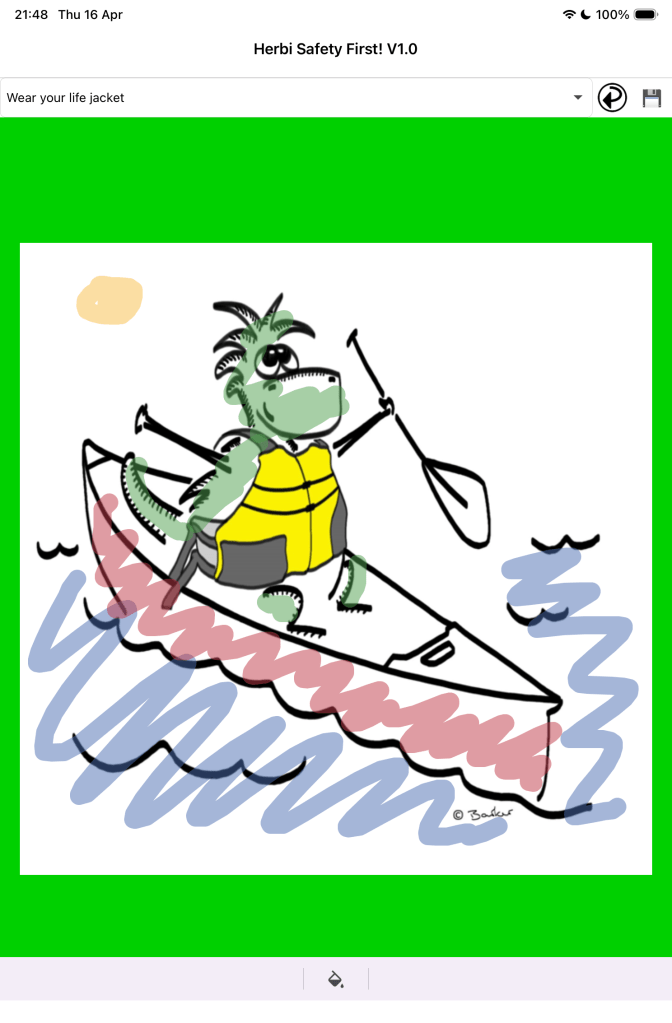
The following picture shows a picture of the Herbi cartoon in a canoe on water. Herbi is wearing a yellow life jacket. The water, the canoe, and Herbi, are all coloured in using a variety of colours.
Version 1.1
In Version 1.1, Herbi Safety First! supports zooming in on the picture. When the new Pen icon shows below the picture, touch gestures can be used to zoom in, zoom out, and pan around the picture. The app shows the Pen icon when it starts, and so if you want to start colouring in straight away, tap the Pen icon to get started.
The app also supports changing the size of the ink shown when you colour in. To change the size of the ink, tap the “Thickness” button next to the Color button below the app, and move the slider around.
To change how see-through the ink is tap the checkered button to the right of all the different colour buttons, and move the “Opacity” slider around. When the slider is at its right-most position, the ink is not see-through at all. When the app starts, the slider is at the half-point point.
Please note that when the app first shows the sliders, the current thickness and opacity of the ink might not be shown correctly on the sliders, but the sliders still work to change the thickness to be whatever you’d like.
When the app starts for the first time, the ink colour is green, its thickness is as bit as it can go, and its opacity is at its half way point.
The short video at https://youtu.be/S_2564-jUxM demonstrates Herbi Safety First! Version 1.1 in use.
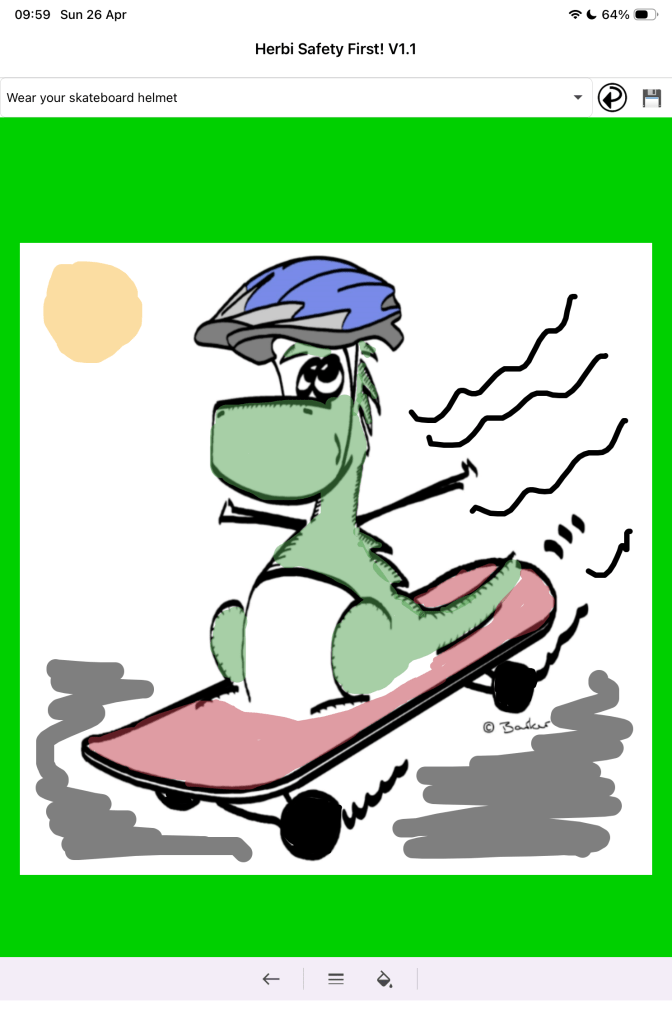
The following picture shows a picture of the Herbi cartoon character on a stakeboard. Herbi is wearing a blue helmet. The skateboard, the ground, and Herbi, are all coloured in using a variety of colours. Different thicknesses of ink have been used to colour in Herbi, and the black ink used to colour in the skateboard wheels is not see-through at all.
 Accessible Solitaire
Leave a comment