Some players of Accessible Solitaire are very interested in the time it takes to win a game of the Klondike, Pyramid, or Tri Peaks solitaire games, and this time is shown in the Congratulations message when the game is won.
The time reported in the message takes into account players moving away from the app once a game is started, and later returning to the in-progress game. It also takes into account starting a game, then moving over to another type of solitaire in the app, and later returning to the original game.
However, previously, there was no way to simply pause an in-progress game while you took care of something even more important than playing the solitaire game. For example, putting the kettle on. But now, in Version 3.13, players can pause and resume games whenever they want. And while the game is paused, that won’t add to the time reported when the game is eventually won.
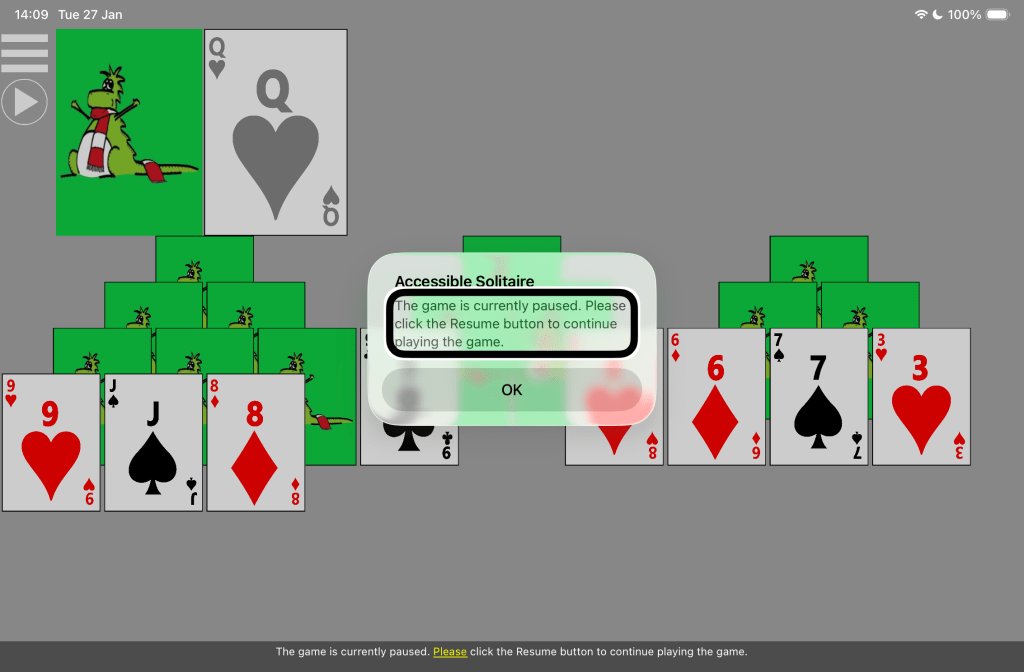
When the game is paused, all the contents of the game are still visible and accessible to a screen reader, as some players might want to consider the state of the game while it’s paused. Visually, the background of a paused game changes from green to grey while the game is paused.
If any card is clicked while a game is paused, a message pops up to remind players that the game is paused, and that the game needs to be resumed before play can continue.
To pause a game, first go to the Settings page and turn on the setting called: “Show Pause/Resume button.” Once this is turned on, a Pause button appears below the app Menu button near the top left of the game. Then click the button to Pause the game. When the game is paused, the Pause button changes to become a Resume button, and a screen reader will announce: “The game is now paused.” To resume the game, click this “Resume” button, and the game will resume, and a screen reader will announce: “The game has resumed.”
If the setting to show the Pause/Resume button is turned off and the current game is already paused, it will automatically resume.
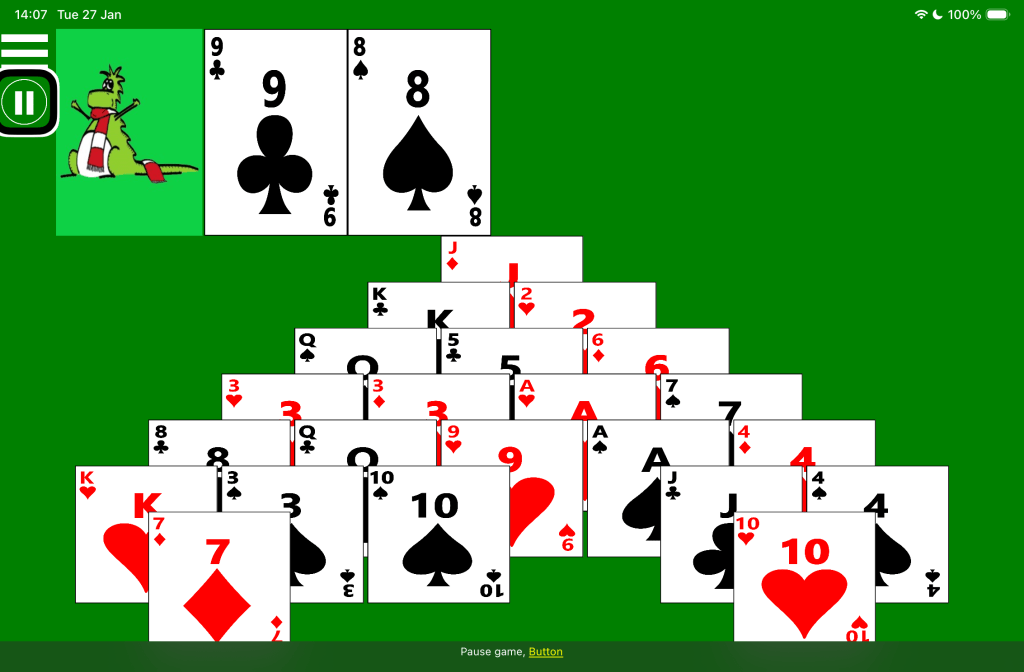
The following picture shows an in-progress game of Pyramid solitaire. The screen reader highlight is shown at the Pause button near the top left of the game, and the screen reader caption says: “Pause game, Button”.
The following picture shows an in-progress game of Tri Peaks solitaire. A Resume button is shown near the top left of the game. The screen reader highlight is shown around text in a popup window over the game, and the screen reader caption says: “The game is currently paused. Please click the Resume button to continue playing the game.”
 Accessible Solitaire
Leave a comment